
Facebook event interest: a practical guide
When introducing a workshop, broadcast or community program, you may want to track the interest metric of the Facebook event. AZLIKE has a separate section for you to check the options, event links and costs before booking.

 azlike.net
Read the full guide
Increased interest in Facebook events: what do we need to understand?
Interest and Participation are two different states. Selecting a service that increases interest does not mean that the number of people who mark it as participating increases correspondingly. The two indicators need to be managed separately according to the programme objectives.
Event information should include the time, location or online format, the content of the program and how to contact. An interest round does not commit to attending or buying tickets.
Prepare before using the service
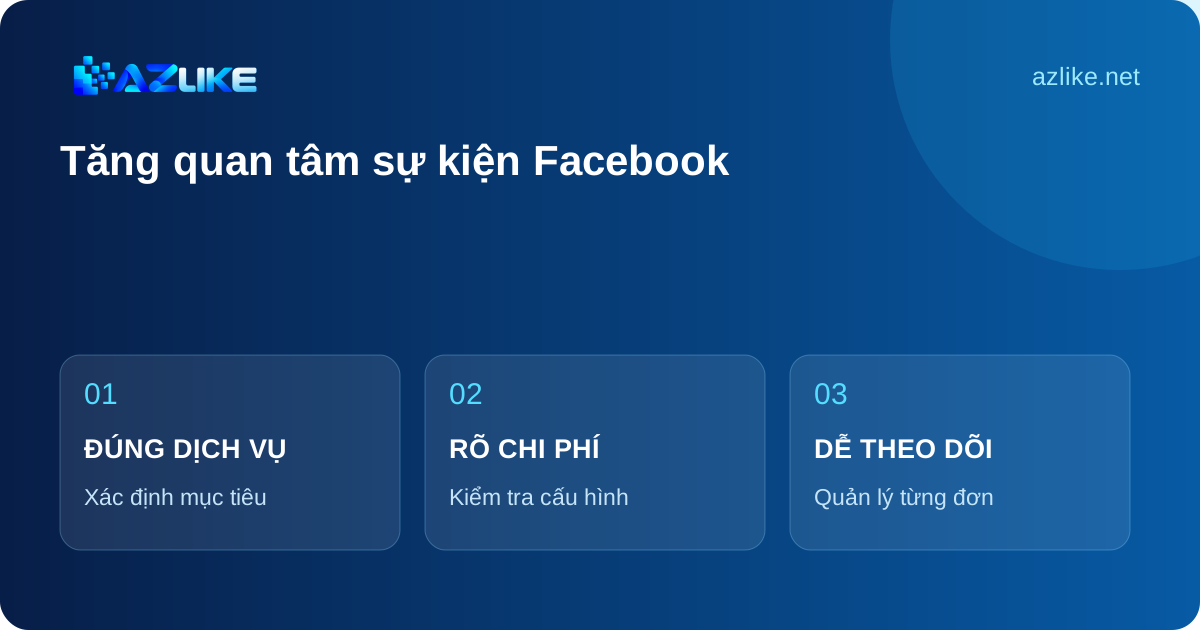
- Open the right event page, check the name and schedule.
- Identify the target as Interest, not Participation.
- Refers to the access rights and conditions of the server.
Prices and how to choose a server
The unit price and status are displayed in the server list above. Compare choices by supporting objects, quantity limits and processing conditions. After Configuration, Check Entry Cost To check the budget before confirming.
Only select the servers that are currently allowing requests. If you change servers, review the quantity and additional fields; the policy of the previous selection does not apply by default to the new choice.
How to increase interest in Facebook events on AZLIKE
Step 1: Select Service and Enter Link
Open the correct service: Event interest in the Facebook menu. Copy the Facebook event link, do not use the event announcement or the organizer's social media profile. Use buttons Paste or paste directly; open How to find the link When you need to compare.
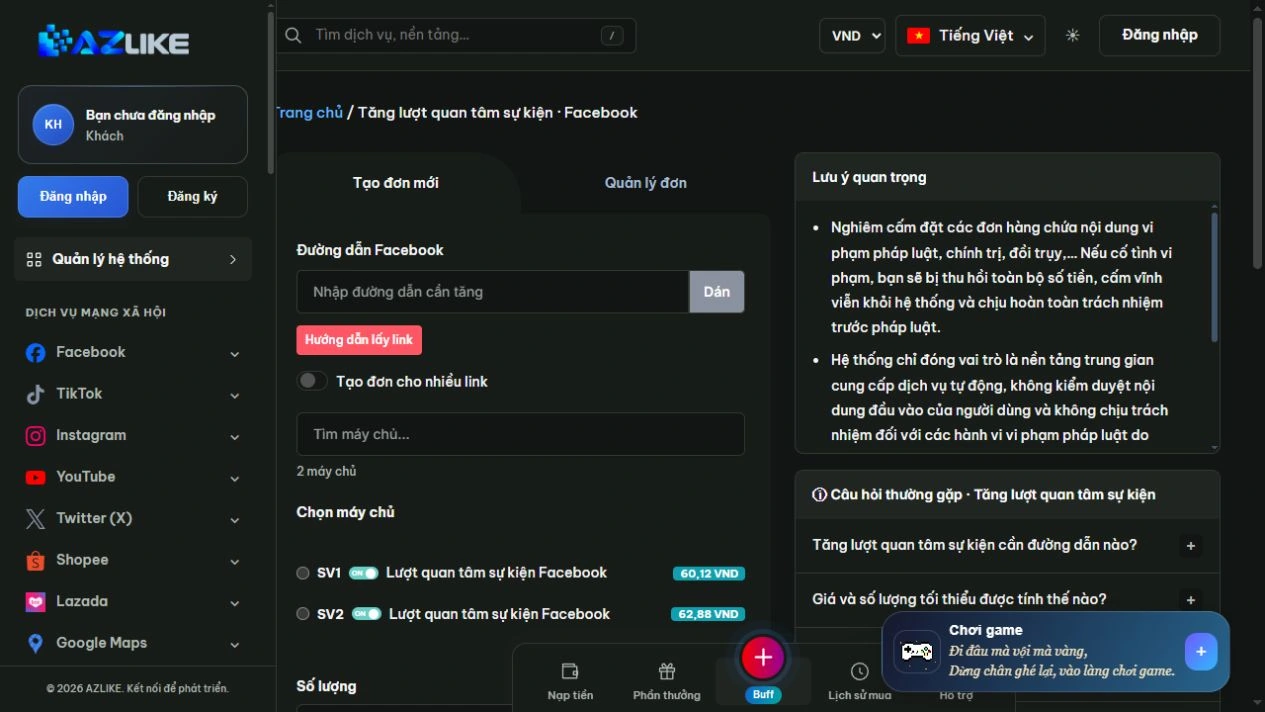
Step 2: Select the appropriate server
Use the search box or page up in the list to see the options. Read the description before selecting the round button next to the server, especially about the type of content, access conditions and data to be entered.
Step 3: Complete the settings and check the cost
Enter the number of interests within the limit. Check the event name from the link and the cost before creating the order.
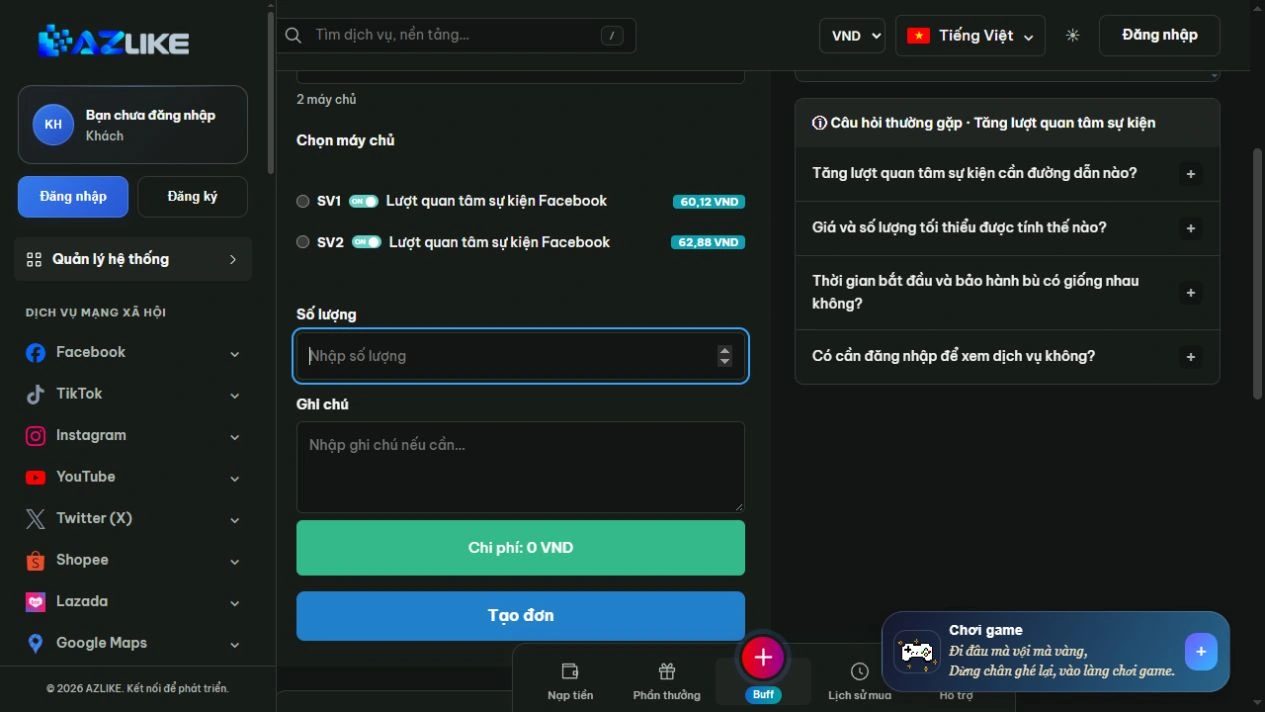
Step 4: Confirm and track the order
Log in to AZLIKE to create and manage your tickets. Check links, servers, add-ons and costs before clicking Place order. Check the receipt and order number, then open Manage orders to track the correct service.
If the submission result is unclear, check the history before retrying. When you need help, send us your order number and a description of the problem AZLIKE support.
Frequently asked questions
Are Interested and Going the same event response?
No, no. Two different states need to be selected for the correct service entry.
Do Interested responses guarantee event attendance?
No, no. Attendance, registration or ticket purchases need to be tracked through the actual organizational activities.
Are private events supported?
Check the server's access request before setting.
Where can I find processing times and policies?
View information about the selected server and its status. Conditions may differ between options; if not clear, contact support before booking.
Related Facebook services
Choose additional functionality specific to the content target:
Conclusion
Event-right and state-right helps manage clear media metrics. Complete the program information, choose the appropriate Care service and track your order on AZLIKE.
Exploration Increased interest in the Facebook event at AZLIKE, choose the appropriate configuration and start from your actual needs.